
Publishing integrations
Seonix does not stop at writing — it delivers. Every article lands in your CMS as a native post with images, meta tags, internal links, and schema markup already in place. Connect once from the Seonix dashboard; publishing then runs on your schedule.
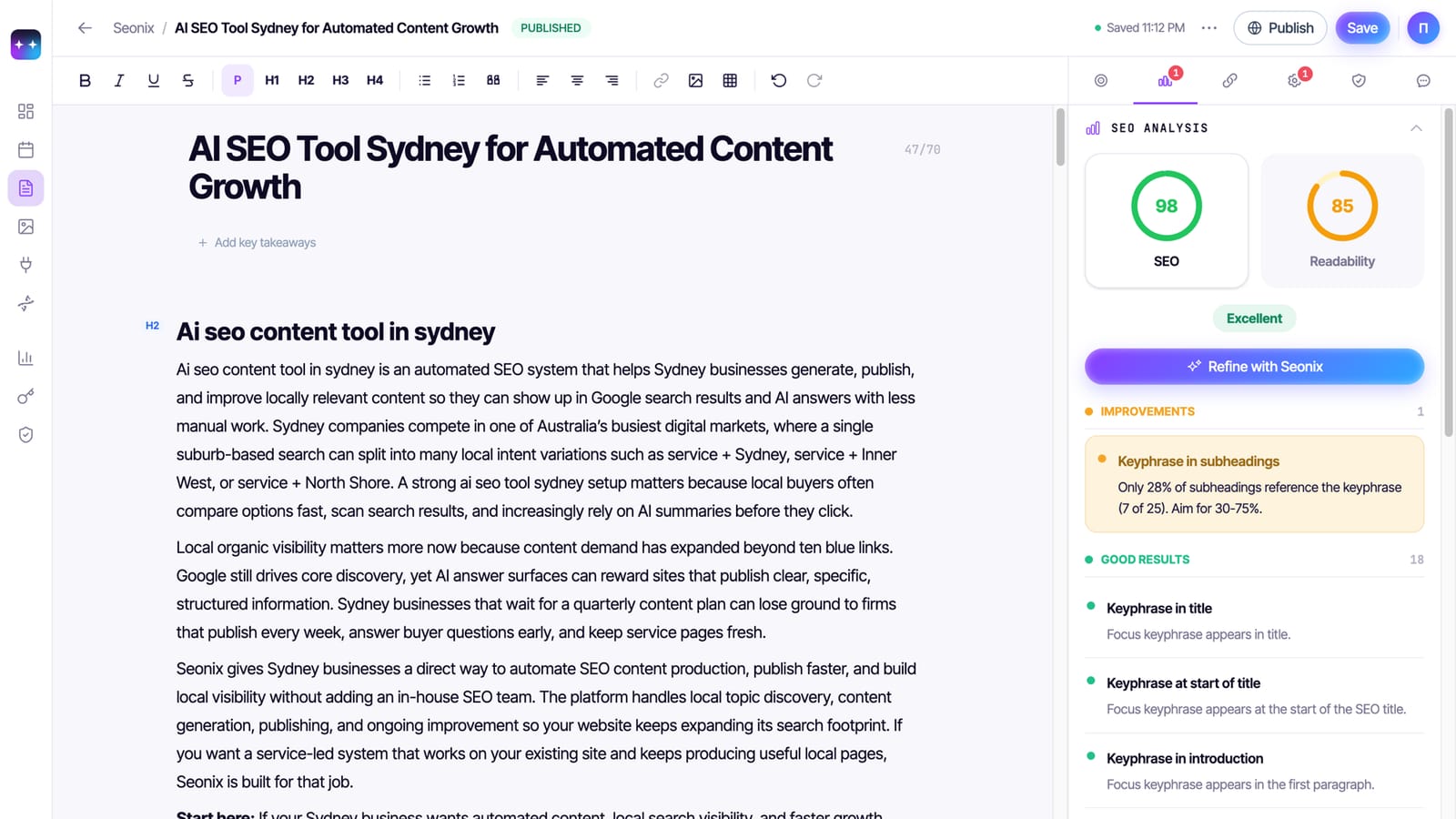
Connect once, and Seonix publishes from then on
Connect once
Link your CMS from the Seonix dashboard in a couple of minutes — one connection per project.
Articles arrive complete
Native posts with images, meta tags, internal links, and schema markup already in place.
Runs on your schedule
Drafts for review or fully automatic publishing — you pick the mode for each project.
Pick the platform your site runs on
WordPress
Free plugin · WordPress.orgFree plugin: publishing plus one-click SEO fixes
The Seonix plugin (listed on WordPress.org) connects a site in one click and does more than publishing: it applies Site Health fixes, keeps meta tags in sync, and generates llms.txt + llms-full.txt for AI crawlers with IndexNow pings on updates.
- Articles arrive as native posts with featured images and categories
- One-click fixes for audit findings, straight from Seonix
- llms.txt generation and IndexNow built in
Ghost
Native posts via the Ghost Admin API
Seonix publishes to Ghost through its Admin API: posts arrive with feature images, excerpts, and meta fields set, ready for Ghost's own themes and memberships to take over.
- Feature image, excerpt, and tags mapped automatically
- Updates land in the same post — no duplicates
Webflow
CMS Collection items with fields mapped
Articles are created as items in your Webflow CMS Collection with title, body, cover, and SEO fields mapped to your collection structure. Connect from the Seonix dashboard with an API token.
- Works with your existing collection schema
- Items go live on your published site — no manual publish step
Shopify
Blog posts that support the store
Seonix publishes into Shopify's blog so content marketing runs next to the catalog: articles with images and search-listing meta fields, delivered on schedule.
- Native Shopify blog articles, no theme changes required
- Meta title and description set per post
Wix
Blog publishing over the Wix API
Seonix connects to Wix Blog and delivers articles as native rich-content posts, so Wix sites get the same scheduled publishing as everyone else.
- Rich-content conversion handled by Seonix
- Scheduled cadence, draft or auto mode
Your own stack
SaaS & custom sites via one REST endpoint
No CMS? Your site exposes one small endpoint and Seonix publishes straight to it — updates, images, and deletes included. Your AI coding agent can build the whole receiving side from a single prompt; seonix.ai's own blog runs on this exact contract.
- Works with any stack that serves HTTP — Next.js, Rails, Laravel, Go, PHP, serverless
- One-prompt setup by your own AI coding agent
- Articles live on your domain, in your design
Questions about publishing integrations
Which platforms does Seonix publish to?
Do I need to install anything?
Can I review articles before they go live?
My CMS is not listed. Can I still use Seonix?
Can I connect more than one site?
Free site analysis
Connect your site
Start with the free analysis — Seonix will detect your platform and walk you through connecting it.