
Step by step
How Seonix works
Seonix turns one input — your website URL — into a running SEO operation: research, writing, optimization, publishing, and tracking. Here is exactly what happens at each step, and where you stay in control.
The six steps
- 1Automatic
Paste your site URL
Seonix crawls the site and builds a business profile — what the company sells, who it serves, the brand voice, and the topics that matter. This profile (we call it the project DNA) steers every later step, so content sounds like you and targets your actual market.
yourcafe.comAnalyzeProject DNAAudience · specialty coffee fansVoice · warm, expertTopics · brewing, beans, gear - 2Automatic
Get a technical audit
Site Health scans the site across four pillars — technical setup, on-page SEO, content, and AI-search readiness — and turns findings into a fix list. On WordPress, the free Seonix plugin applies many fixes in one click.
12 fixes applied in one click84Site HealthTechnical92On-page SEO76Content81AI-search63 - 3You approve
Approve the keyword plan
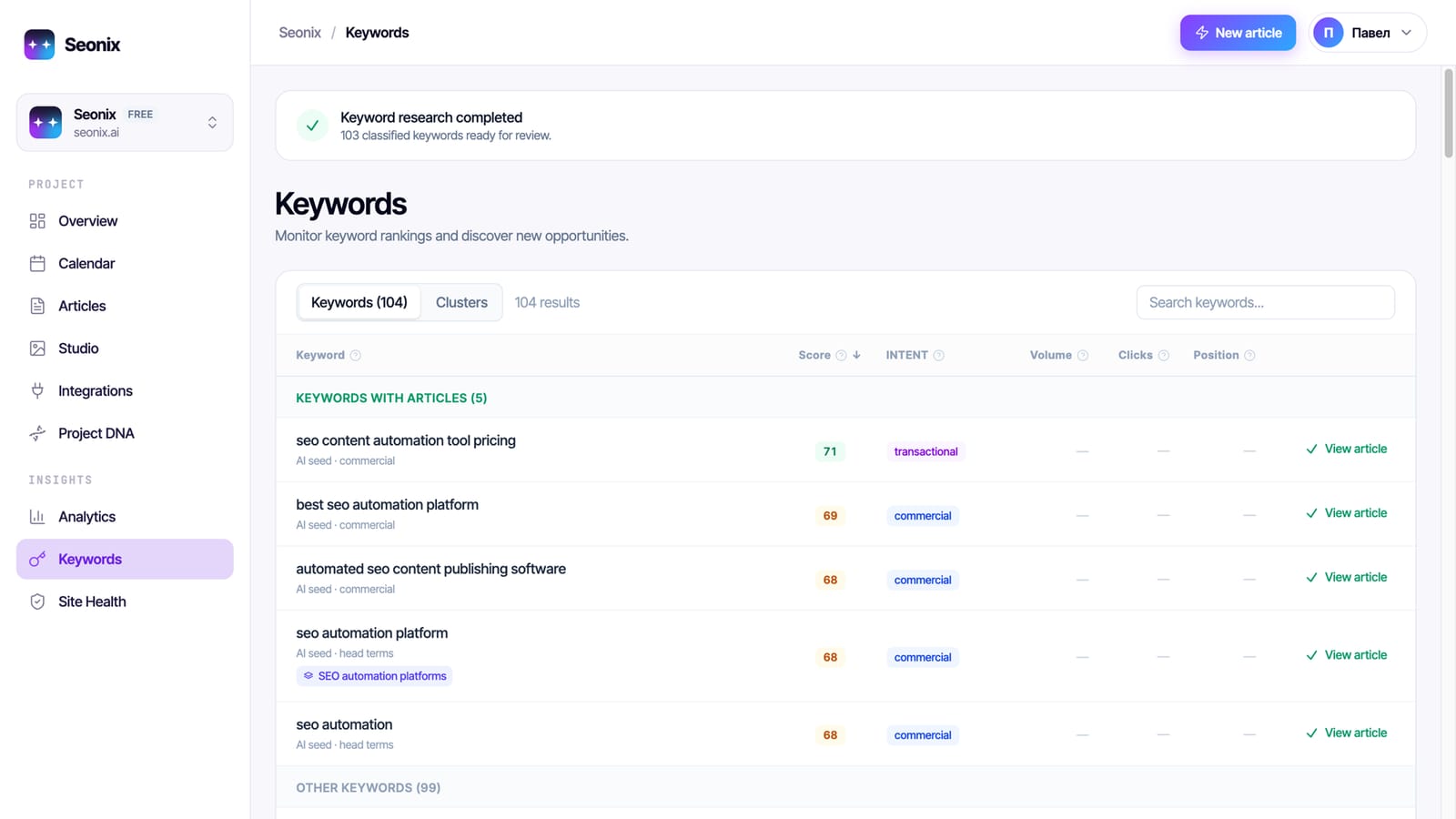
Seonix researches queries with real search demand, clusters them into topics, and lays them out on a publishing calendar. You see what will be written and when — and can edit the plan before anything ships.
Publishing calendarApprove planMonhow to brew pour-over at home2.4KWedbest beans for espresso1.9KFrilight vs dark roast880 - 4Automatic
Articles are written and optimized
Each article is generated against your project DNA and page-type rules, with on-page SEO, internal links, images, and schema markup applied at creation time. Content generation works in 50+ languages.
How to Brew Pour-Over Coffee at HomeSEO 94Meta tagsInternal linksImages - 5You choose the mode
Publishing runs on schedule
Articles go straight into your CMS — WordPress, Ghost, Webflow, Shopify, or Wix — on the cadence you choose. Two modes: draft (Seonix writes, you approve each piece) or full autopilot (Seonix publishes automatically).
WordPressGhostWebflowShopifyWixDraftAutopilotPublished · Tue 09:00Scheduled · Thu 09:00 - 6Automatic
Track Google and AI visibility
Seonix follows rankings and traffic per published page and checks where your brand appears in ChatGPT answers. Winners get refreshed over time instead of being left to decay.
Google · position 3AI answers · mentionedClicks · 90 days
What's inside
14 modules working on your visibility
Every module runs automatically on every project. No setup and no checklists — the autopilot decides what your site needs next.
Technical SEO Audit
Crawls your site the way Google does: sitemap, robots.txt, broken links, duplicates, on-page issues.
Prioritized fix listKeyword Research
Finds the queries your customers actually type and picks the ones you can win — with real search volumes.
Ready-to-use keyword listSEO Content Writing
Writes articles for those queries in your brand voice — with images, structure, and facts about your business.
Publish-ready articlesOn-page Optimization
Scores every article against strict SEO checks — keyword usage, structure, readability — and refines it until it passes.
Green SEO scoreSchema & Rich Results
Adds structured data so search engines can show rich snippets: articles, FAQs, your business profile.
Rich results markupMeta Tags & Covers
Generates titles, descriptions, and social-preview covers that earn the click in search and when shared.
Click-optimized snippetsSearch Console & GA4
Connects Google Search Console and GA4 to track positions, clicks, and the articles that bring customers.
Live ranking reportsSite Speed
Speeds up WordPress sites with image optimization, critical CSS, and caching — better Core Web Vitals.
Faster page loadsAI Visibility Tracking
Scans show where your brand appears in ChatGPT answers to the questions your customers ask.
AI mention reportsAI-Ready Content
Structures every article the way AI engines quote: direct answers, FAQ blocks, clear facts.
Content AI can citeAI Crawler Access
Keeps your site readable for AI engines, including an llms.txt map of your most important pages.
AI-readable site mapBrand Knowledge Profile
Teaches search and AI engines who you are: what you sell, where you operate, why you can be trusted.
Consistent brand factsCompetitor Analysis
Sees who wins your target queries today and finds the gaps where you can take their place.
Gap opportunitiesContent Refresh
Finds articles that lose positions over time and rewrites them until the SEO score recovers.
Refreshed pagesFrequently asked questions
No. Seonix runs research, writing, optimization, publishing, and tracking end to end. You choose how much control to keep: approve every draft, or let the autopilot publish on schedule.
WordPress (via the free Seonix plugin), Ghost, Webflow, Shopify, and Wix. Articles arrive as native posts with images, meta tags, and schema markup in place.
Yes. In draft mode every article waits for your approval inside Seonix before publishing. Full autopilot is opt-in, per project.
It depends on the site's starting point. New pages need to be crawled and indexed first, and competitive queries take longer to move — organic growth is typically a matter of weeks to months, not days. Seonix shows progress per page from the first publish, so you see indexing, impressions, and rankings as they develop.
The Free plan is $0 and includes a full technical site audit. Starter is $49/month instead of the $100 regular price (51% off), or $470 a year instead of $1,200 (61% off), with 30 published articles per month.
See it on your own site
The free analysis takes a few minutes and shows what Seonix found about your business, your keywords, and your competitors.