Integrations
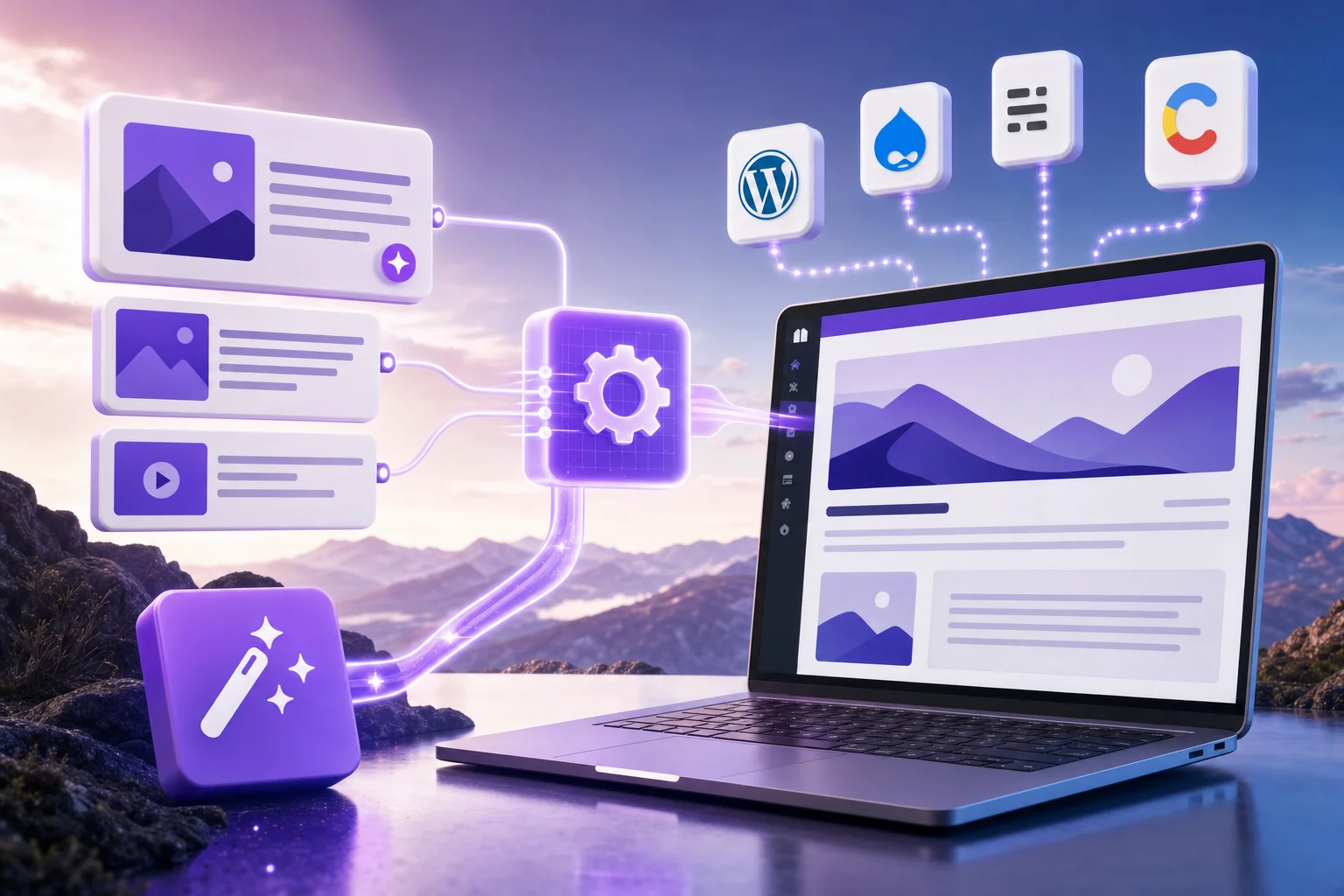
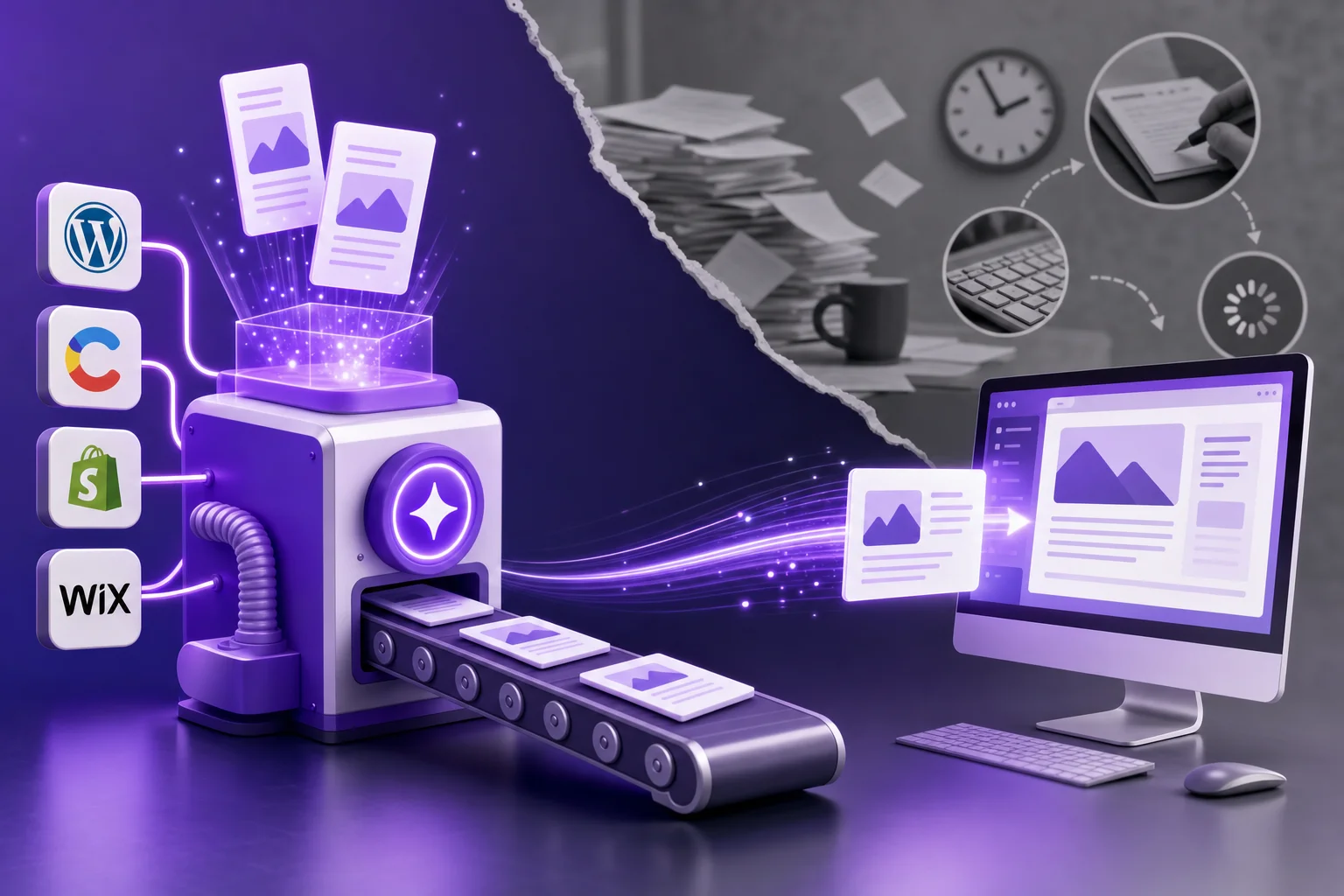
Automation is only as useful as its connection to the place your site actually lives. Publishing through a real integration — a WordPress plugin, a CMS API, a webhook — is what turns generated content into live, indexable pages without copy-paste.
This category covers those connections: what each CMS integration can and cannot do, how token-based publishing works, and how to wire an automated pipeline into WordPress, Ghost, Webflow, Shopify, or Wix safely.
The WordPress guides run deepest — they cover the free Seonix plugin, the one-click connection, and SEO fixes applied directly on the site, because that is where most customer sites live. The rest of the category maps what each CMS connection supports, so you can check your stack against reality before committing to any automation platform.